Captured automatically
Every comment saves the page as the reviewer saw it, on public and gated sites, no extension.
Features that help
Every comment saves the page as the reviewer saw it, automatically.
Let’s update this@Mark
Superflow snapshots the page the moment you comment. Public or password protected, no extension. The page changes, the snapshot stays.
Trusted by web and marketing agencies.
Every comment captures the page as the reviewer saw it — so the fix never starts from a guess.
Every comment saves the page as the reviewer saw it, on public and gated sites, no extension.
Features that help
Every comment saves the page as the reviewer saw it, automatically.
Let’s update this@Mark
When an edit costs a comment its anchor, the snapshot still shows the original page.
Features that help
When an element is edited away, the comment keeps its snapshot.
The page changed. The snapshot didn’t.
You and your client look at the same full page, from any device.
Features that help
Your client sees the same snapshot from their link — no account, from their phone.
Your client opens the same snapshot from their link.
The review record keeps the pages as reviewers saw them, comment by comment.
Features that help
The review record keeps the pages as reviewers saw them, comment by comment.
Three steps, no engineer required.
Or upload a file. One click for WordPress, Webflow, Framer, Shopify.
Each one snapshots the page, behind logins too, no extension.
Your team fixes from proof, and your client approves from the link.
From regulated healthcare copy to fast-moving agency work, Superflow's AI review fits the way your team already ships.
Assets reviewed / month
QA Minutes / asset
Hourly Billing Rate

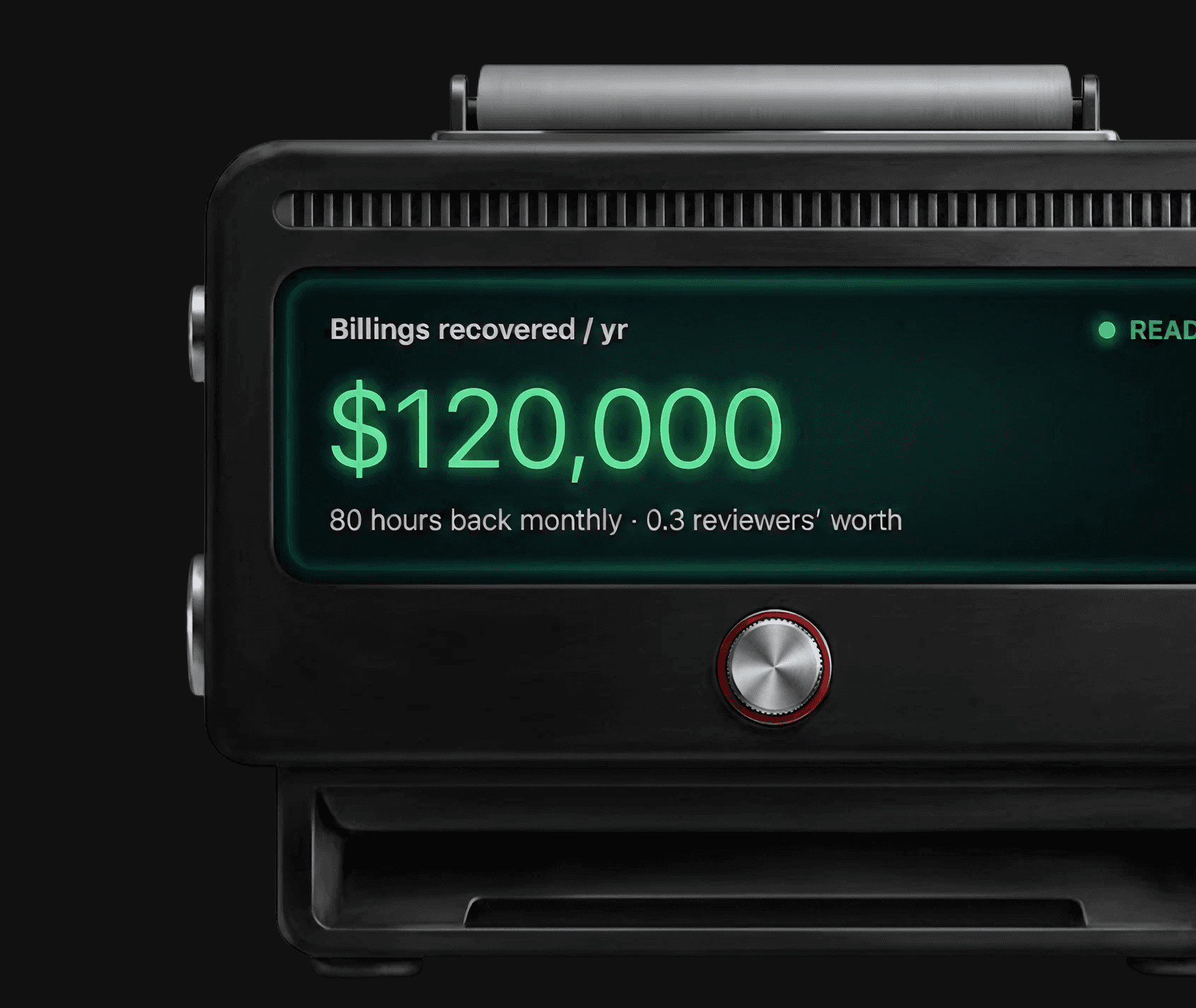
Billings recovered / yr
$105,000
70 hours back monthly · 0.4 reviewers’ worth

47 hours back a month, every month
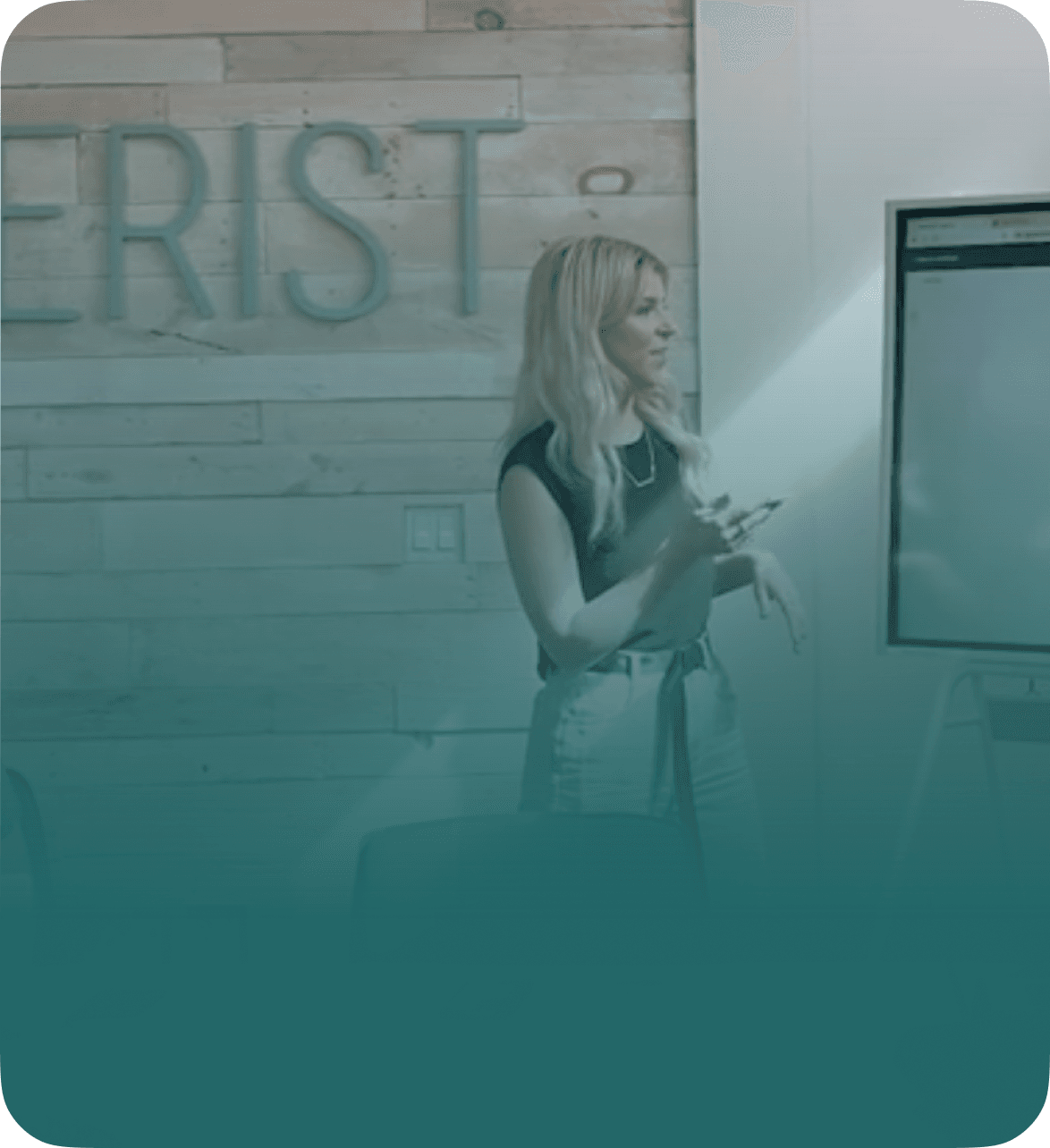
Wonderist runs every client site through Superflow before it ships. Their senior designers stopped doing first-pass QA by hand.
Empowers non-tech users like me.
Everybody has loved how easy it is to get started.

Clear, Simple & Saves time for everyone involved.
AI does the first pass; a person or the client signs off on every asset. Confidence floors hide low-certainty findings, and any finding can be overridden.
Your logo on the review toolbar your clients see and the admin panel your team runs. One upload, every project.
SOC 2 Type II, HIPAA with BAA, data residency options, WCAG 2.1 AA on client-facing surfaces, plus the audit trail of every comment, finding, and approval.
Roles for Admin, Member, and Guest, per-project access, unlimited guest seats, SSO and SCIM on Enterprise.
12 integrations verified, two-way where it counts
View All IntegrationsHave Questions? Reach out anytime.
No. Nothing to install for reviewers or clients. Capture runs from the Superflow install on the site itself.
Yes. Gated pages capture the same as public ones.
The snapshot remains. The comment still opens to the page as it was, so the fix never starts from a guess.
They stay with their comments for the life of the project.
Yes. Your client opens the same snapshot from their review link, on their phone, nothing to install.
No. Capture is automatic with every comment. There's no button to forget.
Pasted screenshots are optional, stale, and scattered across Slack and email. Here every comment carries one, taken automatically at that moment.
Included on every plan; capture is part of commenting, not an add-on.
Let’s update this@Mark